Best for simple online bookings: Calendra. Best for diner discovery: OpenTable. Best for guest relationship management: SevenRooms. The best restaurant table reservation system in 2026 is the one that matches how you accept bookings, allocate tables and handle changes—not the one with the longest feature list.
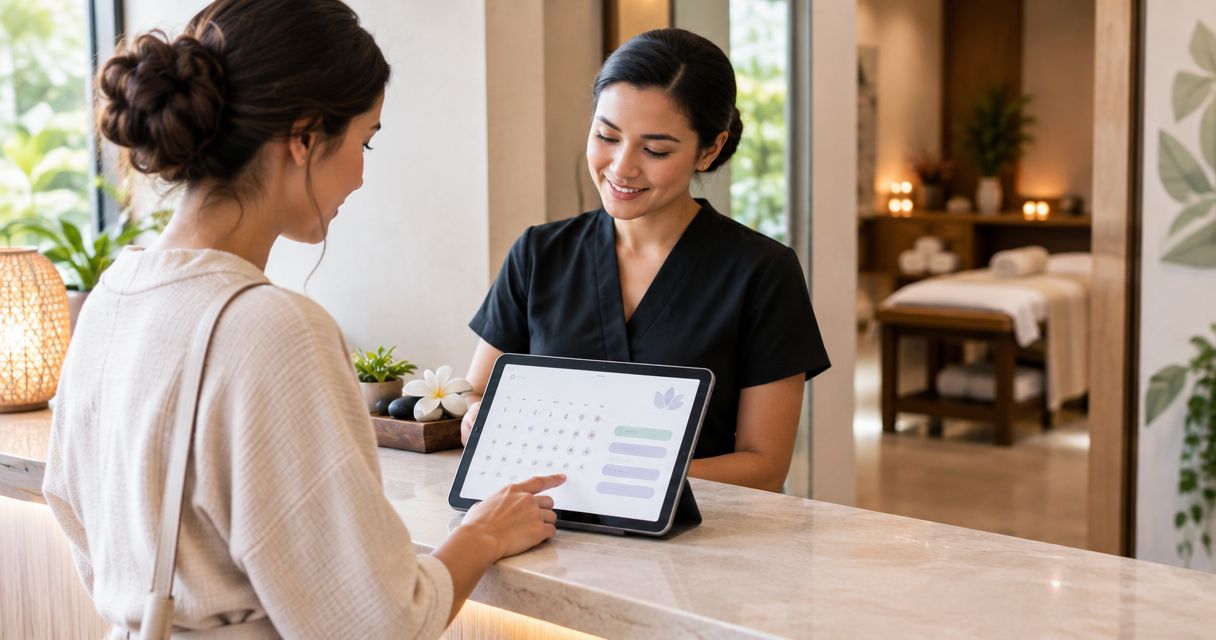
- Calendra is best for restaurants that need straightforward online appointment booking, available to customers 24/7.
- OpenTable suits restaurants that want reservations alongside visibility in a restaurant discovery marketplace.
- SevenRooms suits restaurants that prioritise guest profiles and relationship management alongside reservations.
- Choose a restaurant table reservation system by testing party size, table allocation and booking changes before committing.
Why this matters
Accepting a booking online and managing a dining room are different jobs. A reservation needs to fit the party, the table and the service period—not just an empty space in a calendar.
Start with the problem you need to solve. If guests cannot book outside opening hours, online scheduling addresses that access gap. If staff struggle to place parties across the dining room, assess restaurant-specific table management instead.
Do not treat an available appointment slot as proof that a suitable table is available. That distinction should drive your shortlist before you compare extra features.
What makes the best restaurant table reservation system
Use these criteria to assess restaurant booking software in 2026:
- Customer booking access: Guests should understand how to select a date, time and party size without calling for basic instructions.
- Capacity control: The booking process must respect the seats, tables and staffing you can actually provide.
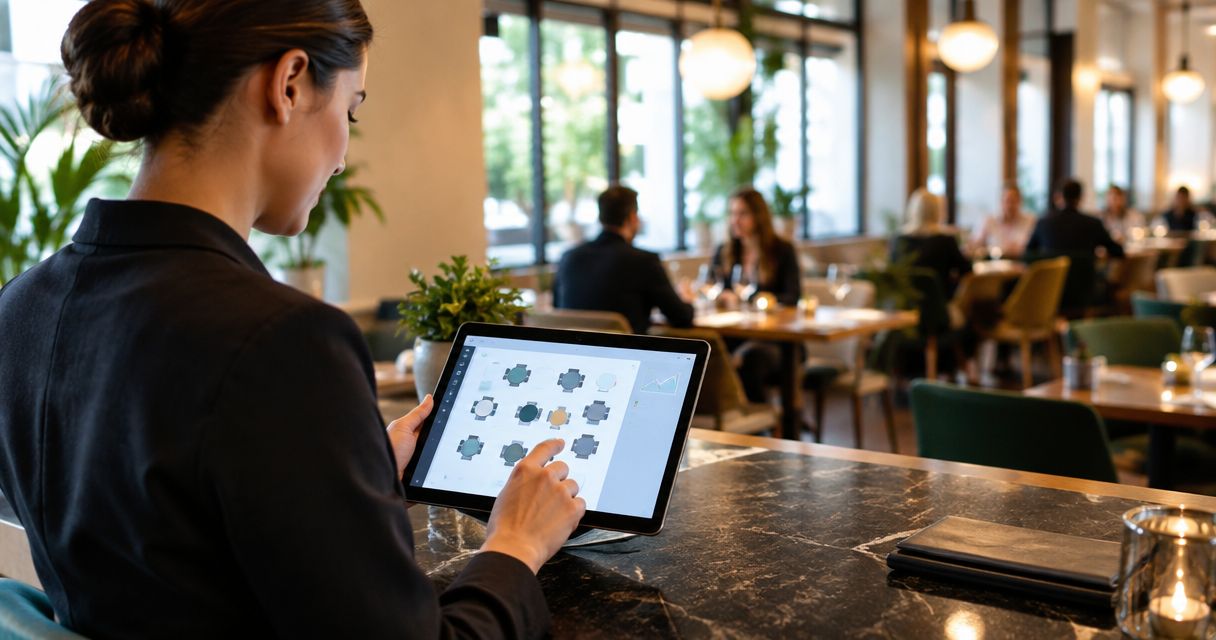
- Table allocation: Decide whether staff will assign tables manually or need software that represents the dining room.
- Booking changes: Check the complete cancellation and rescheduling process, including what staff see afterwards.
- Guest information: Collect the details needed for service without turning a reservation into a lengthy form.
- Operating fit: Choose between direct online booking, marketplace discovery and guest relationship management according to your main need.
These criteria are not interchangeable. A restaurant looking for new diners has a different buying decision from a restaurant that already attracts demand but handles reservations by phone.
Restaurant reservation systems at a glance
| Option | Best for | Standout focus | Key limitation or buying check |
|---|---|---|---|
| Calendra | Simple online customer bookings | Online appointment scheduling available to customers 24/7 | Verify restaurant-specific capacity rules and table allocation before choosing |
| OpenTable | Diner discovery | Restaurant reservations connected to a diner-facing marketplace | Marketplace visibility does not guarantee bookings; assess operational fit separately |
| SevenRooms | Guest relationship management | Restaurant reservations connected with guest profiles | Guest information needs consistent staff use to support service |
The order follows three different use cases, not a claim that every restaurant should buy the first option. Begin with the job you need done, then test the relevant product against your actual service routine.
1. Calendra: best for simple online restaurant bookings
Calendra provides online appointment scheduling software for service businesses, including restaurants. Customers can book online 24/7, giving restaurants a booking route that does not depend on answering the phone.
This is the most relevant starting point when your main requirement is straightforward online booking. Keep that requirement separate from advanced dining-room operations: accepting a reservation is only part of managing restaurant capacity.
Calendra pros:
- Customers can book online outside your staffed phone hours.
- Restaurants are explicitly among the businesses the software serves.
- Appointment scheduling directly addresses the need to accept customer bookings online.
Calendra cons and checks:
- Appointment availability alone does not establish that a suitable restaurant table is available.
- Confirm how party size, table assignment and overlapping bookings would work for your restaurant before committing.
- A requirement centred on diner discovery calls for a separate marketplace assessment.
Best for: Restaurants whose first priority is giving customers an online way to book, rather than choosing a system primarily for marketplace discovery or guest relationship management.
Ask for a demonstration using your own booking process. Include a small party, a larger party and a change after confirmation. Make sure staff can explain how each booking translates into a table rather than just a calendar entry.
Verdict: Buy Calendra for straightforward online restaurant booking only after confirming that its capacity handling matches your service.
2. OpenTable: best for restaurant discovery
OpenTable combines restaurant reservations with a diner-facing restaurant discovery marketplace. That makes it a different proposition from software chosen solely to accept bookings from customers who already know your restaurant.
Assess OpenTable when reaching diners is part of the requirement. Evaluate the reservation workflow separately from the appeal of appearing in a marketplace: discovery and dining-room operations solve different problems.
OpenTable pros:
- A restaurant-focused environment connects discovery with making a reservation.
- Diners can explore restaurants and proceed towards booking within the same platform.
- The product is relevant when your buying decision includes both reservations and visibility.
OpenTable cons:
- Appearing in a marketplace is not a guarantee of customer demand.
- Marketplace discovery does not replace the need to check capacity rules and staff workflows.
- Restaurants focused only on serving existing customers should assess whether discovery is a priority.
Best for: Restaurants that want to evaluate diner discovery alongside their reservation process.
During a demonstration, follow both sides of the booking. Start as a diner looking for a restaurant, then switch to the staff view and inspect how the reservation reaches the team. A clear discovery journey is useful only if the resulting booking is manageable during service.
Verdict: Buy OpenTable when diner discovery is a defined requirement and the reservation workflow fits your operation.
3. SevenRooms: best for guest relationship management
SevenRooms combines restaurant reservation management with guest profiles and relationship management. Its fit is strongest when you want the booking record to contribute to an ongoing understanding of the guest.
That creates an operational responsibility as well as a software choice. Guest information needs to be relevant, maintained and accessible to the staff who can act on it.
SevenRooms pros:
- Guest profiles provide a focus beyond the individual reservation.
- Reservations and guest relationship management sit within the same product scope.
- The approach suits restaurants that make guest recognition part of their service process.
SevenRooms cons:
- Guest records are less useful when staff do not maintain or consult them.
- Information collection needs a clear purpose and appropriate access controls.
- A restaurant seeking only a basic booking route should decide whether guest relationship management is necessary.
Best for: Restaurants with a defined process for recording and using guest information during service.
Ask staff what information they genuinely need before evaluating profile features. A useful record supports a service decision; it should not become a collection of notes that nobody reads. Include privacy and access questions in the buying discussion, not after setup.
Verdict: Buy SevenRooms when guest relationship management is an operating priority, not merely an attractive feature.
Test the booking workflow before you choose
For a 2026 shortlist, use the same practical walkthrough for every system. Ask the supplier to demonstrate your restaurant's workflow rather than a generic booking example.
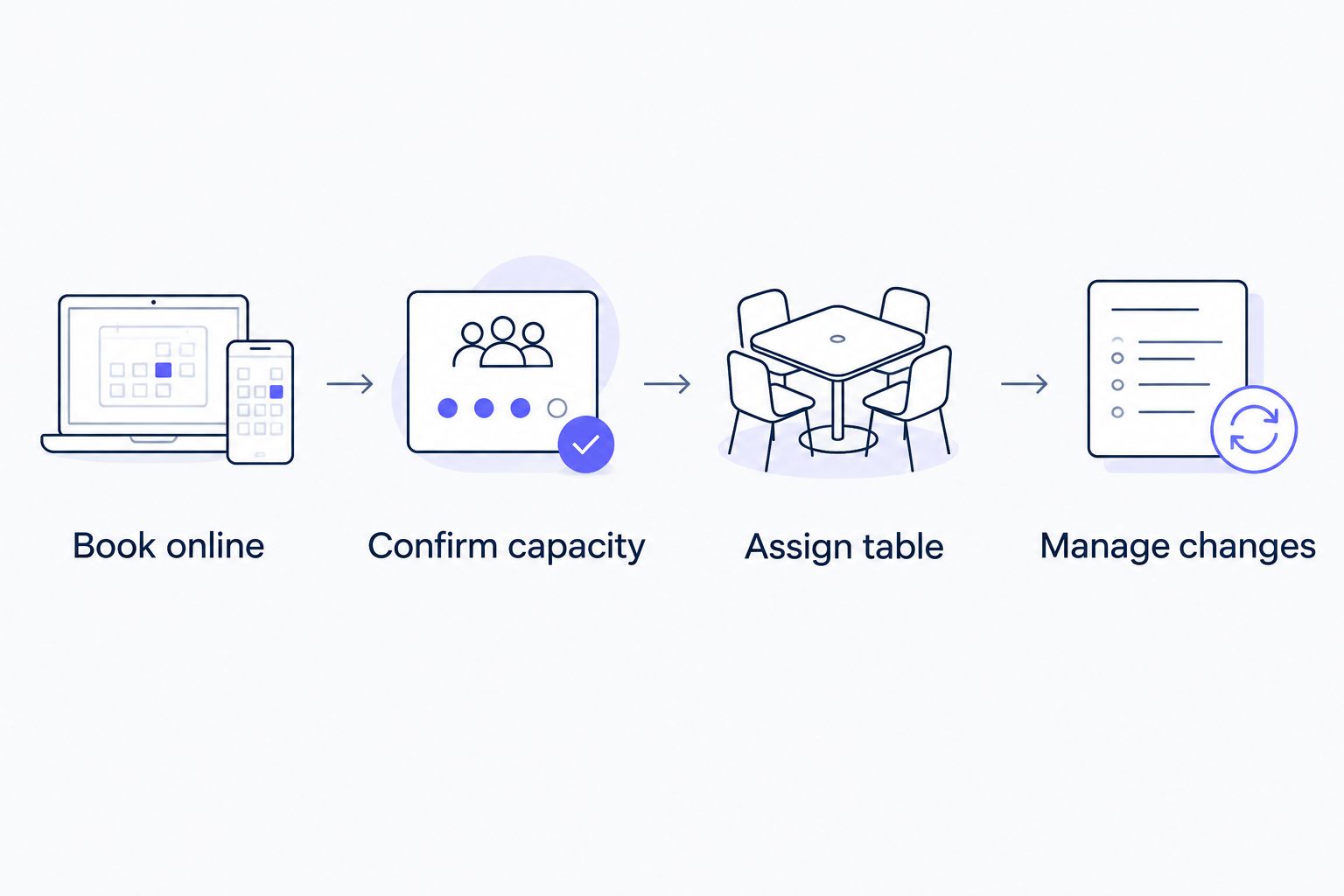
Book online
Make separate test reservations for 2 guests, 4 guests and 6 guests. These are test scenarios, not capacity recommendations. Check whether the process collects enough information to distinguish each party and explain what happens next.
Use a phone as well as a desktop computer. Look for unclear instructions, unnecessary questions and any point where a guest must call to finish an otherwise online booking.
Confirm capacity
Ask what prevents bookings that your restaurant cannot accommodate. Test the relationship between party size, available times and the capacity staff are prepared to serve.
Include a reservation that overlaps with another arrival. The question is not simply whether the calendar accepts both entries; it is whether the restaurant can honour both bookings.
Assign table
Follow a reservation from confirmation to its place in the dining room. Establish whether staff assign the table, whether software assists, and where exceptions are recorded.
Use your actual table combinations in the discussion. A system that works for independent tables still needs assessment if staff regularly join tables or reserve particular areas.
Manage changes
Change a party size, move a booking and cancel another. Check which information updates, what the guest receives and what staff must do manually.
Finish by asking a team member to explain the final booking status without help. A booking process is not clear until both the customer and the restaurant know what is confirmed.
How the options are ranked
This 2026 ranking separates three buying needs: simple online booking, diner discovery and guest relationship management. Each recommendation occupies a distinct slot so you can shortlist by purpose rather than assume one product wins every comparison.
The criteria are booking access, capacity control, table allocation, changes, guest information and operating fit. The ranking does not claim measured gains in reservations, fewer cancellations or better service outcomes.
Your final choice should follow the workflow test. Reject any option that fails a requirement your restaurant cannot work around, even if it performs well on less important features.
Which restaurant reservation system should you choose?
Choose simple online scheduling by default when your immediate problem is that customers cannot book online. Add restaurant-specific operational requirements before committing, especially where party sizes and table combinations affect availability.
Choose OpenTable when diner discovery belongs in the brief. Choose SevenRooms when managing guest relationships is part of how your team operates. Neither priority should be added merely because it appears on a feature page.
For your 2026 decision, write a short acceptance checklist before speaking to suppliers:
- Can guests complete the booking without staff intervention?
- Can the restaurant honour the bookings the system accepts?
- Can staff identify and manage changes during service?
- Does the product solve the main problem behind the purchase?
Keep the checklist visible during demonstrations. It gives you a consistent basis for comparing products with different strengths.
Explore online restaurant booking
See online appointment scheduling for restaurants and other service businesses.
FAQ
What's the best restaurant table reservation system in 2026?
The best choice depends on whether you need straightforward online booking, diner discovery or guest relationship management. Shortlist by that priority, then test capacity, table assignment and booking changes before choosing.
Is appointment scheduling the same as restaurant table management?
No. Appointment scheduling accepts time-based bookings, while restaurant table management must account for seating and the dining room. Confirm how a booking becomes a suitable table assignment.
Is OpenTable better than a direct booking system?
OpenTable addresses a different need when restaurant discovery is part of the requirement. A direct booking system should be assessed first on how well it serves customers who already intend to book with you.
When should a restaurant consider SevenRooms?
Consider SevenRooms when guest profiles and relationship management are central requirements alongside reservations. Establish who will maintain guest information and how staff will use it during service.
Can customers book a restaurant outside opening hours?
Online booking can let customers reserve outside staffed phone hours. Keep customer booking access separate from dining availability so guests select only service times your restaurant can honour.
What should I test in a restaurant reservation software demo?
Test different party sizes, overlapping reservations, table assignment and changes after confirmation. Follow each example from the customer's booking screen to the staff workflow.
Does a restaurant reservation marketplace guarantee more bookings?
No. Marketplace presence provides a discovery route, not a booking guarantee. Assess its relevance separately from whether the reservation system fits your restaurant's operations.
One last thing
Before choosing a restaurant table reservation system in 2026, test an exception rather than another straightforward booking. Change a confirmed party size when the dining room is already busy, then ask the team to explain exactly what happens.
That exercise exposes the handoff between booking software and restaurant operations. Choose the system your staff can use to honour the reservation, not simply record it.
Related guides
For appointment software comparisons in other service settings: